








...

Smartech

mill

MILL

lathe

LATHE

mill turn

MILL-TURN

wirein

WIREIN

router

ROUTER

hot line

HOT-LINE

design pdf

DESIGN

formation

FORMATION

SOFTWARE SOLUTIONS

img19 2
img22
img20 1
img80
ms pn
srf
img24 2
ms pn
mill

MILL

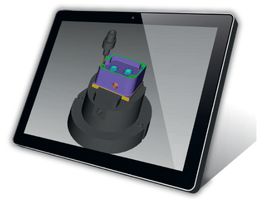
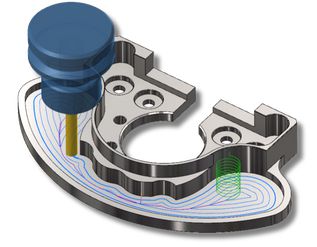
Mastercam Mill delivers CAD/CAM power and control with an intuitive programming interface..

lathe

LATHE

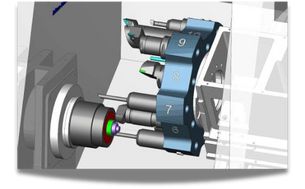
Mastercam Lathe lets you move the same part file between milling and turning operations with ease and confidence.

mill turn

MILL-TURN

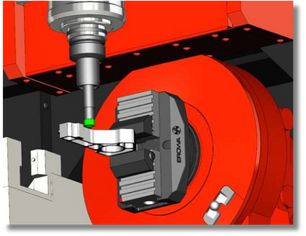
Automate your complex programs for highpowered, multitasking machining centers. Program it right the first time, every time.

wirein

WIRE

Mastercam Wire delivers powerful, comprehensive wirepaths in a streamlined, easy-to-use interface.

router

ROUTER

Mastercam Router delivers complex routing functionality from an easy-touse interface.

hot line

HOT-LINE

Always keep your Mastercam at the latest version and take advantage of our online support service.

design pdf

DESIGN

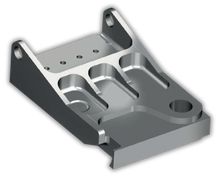
Focused CAD means machine-ready parts faster.

formation

FORMATION

Sustain your technical proficiency through regular training.
img80
img203

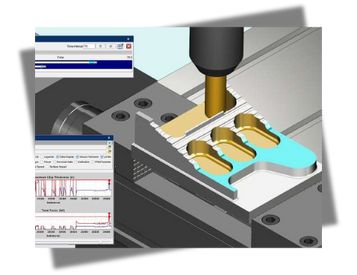
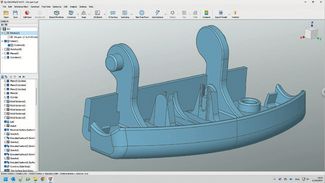
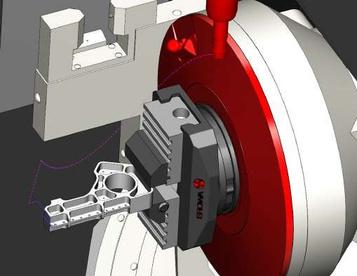
VERICUT CNC simulation software simulates from the actual posted NC program, which catches mistakes you cannot find in CAM simulations. Combined with
the most accurate cut stock model in the industry, this enables you to virtually machine parts and identify mistakes and inefficiencies before any actual cutting occurs. You can eliminate errors that could ruin the part, damage the fixture, break the cutting tool, or crash the machine. VERICUT also optimizes NC programs to make them faster and more efficient.

VERICUT VERIFICATION

img206
img205

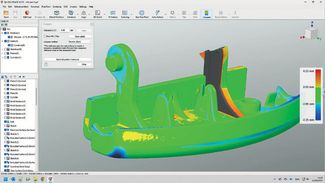
Easily detect program mistakes and verify part accuracy with the VERICUT base module: Verification.

img206
img205

VERICUT VERIFICATION

Easily detect program mistakes and verify part accuracy with the VERICUT base module: Verification.

MULTI-AXIS & AUTO-DIFF™

img208

MULTI-AXIS

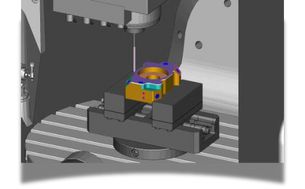
• Accurately verify & simulate complex machining
• A must if you perform 4 and 5 axis machining!
AUTO-DIFF™

• Detect gouges & excess material
• Compare cut model to CAD model
• Identify overcuts and undercuts

MACHINE SIMULATION

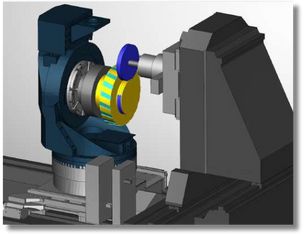
Simulate your CNC machines, exactly as they behave on the shop floor, so you can detect errors and problems.

img209
img210

COLLISION CHECKING & GRINDER-DRESSING

img215

Superior Collision Checking

img216

Grinder-Dressing

NC PROGRAM OPTIMIZATION

Force is a physics-based module that analyzes and optimizes cutting conditions throughout program operations.

img217

PROBING & MODEL EXPORT

img218

Probing

• Avoid probe collisions
• Simulate probing cycles
• Validate CNC probing processes
Model Export

• Detect gouges & excess material
• Compare cut model to CAD model
• Identify overcuts and undercuts

ADDITIVE MANUFACTURING

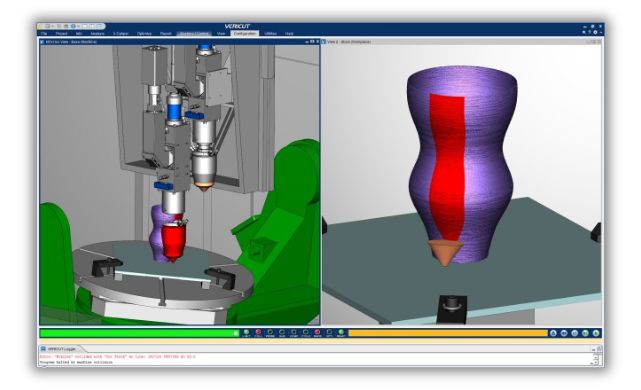
VERICUT’s Additive module simulates additive and traditional machining capabilities of new hybrid CNC machines.

img221
SURFACE
img283

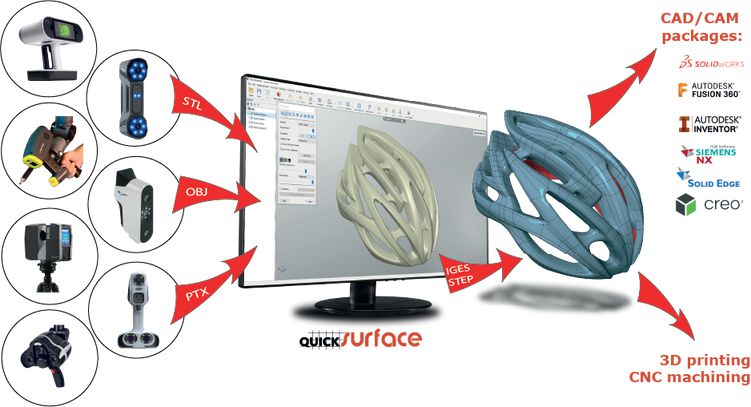
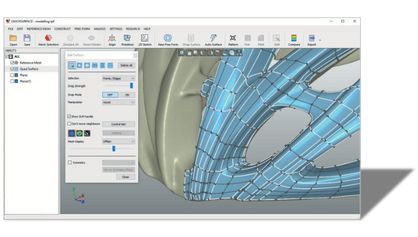
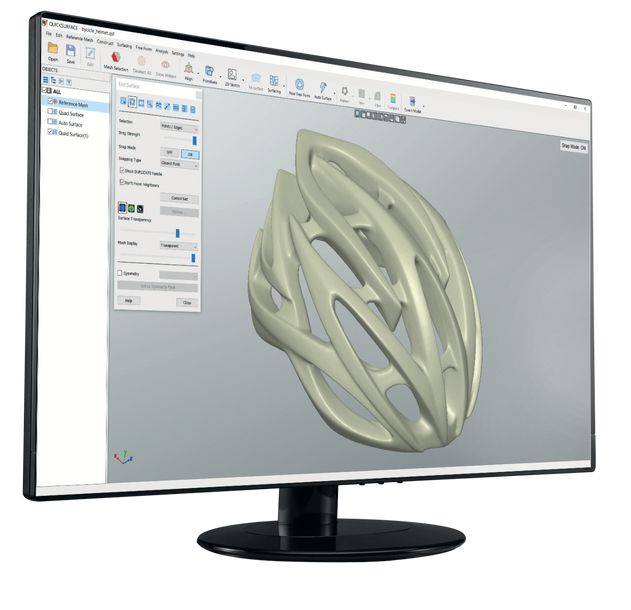
Our philosophy behind QUICKSURFACE is to provide the most cost-effective, time saving and highly useable solution for CAD creation from 3D scan data.

How it works

Start with a mesh

img285
Import STL, OBJ or PTX Align mesh in space if needed

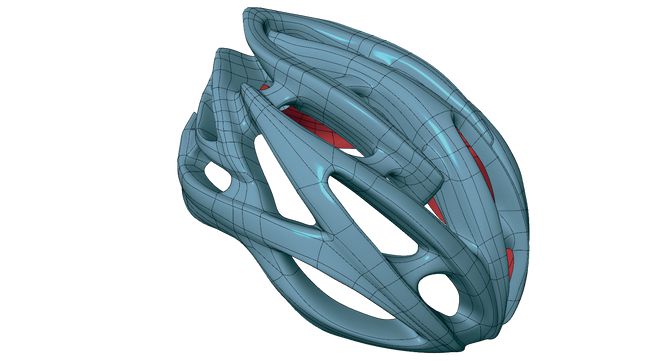
Convert to CAD

img286
Reconstruct a fully parametric CAD model or complex free form shape

Export & use it

img284
Export in IGES / STEP format or Transfer full parametric features

Why do you need QUICKSURFACE ?

– Edit and repair CAD data for broken tools and molds
– Use existing assets to reverse engineer new parts
– Transform physical parts into CAD for new designs
– Create new parts to fit with existing parts
– Export remodelled data for 3D printing
– Speed up your time for manufacturing
– Prepare models for manufacturing
– Simplify models for simulation
– Increase design capabilities
– Design bespoke products
– Reduce costs for design
– Packaging Design

img287
img24 2

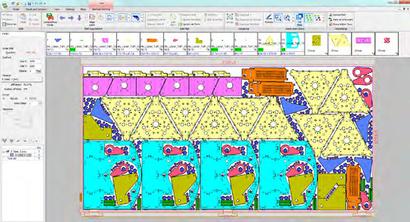
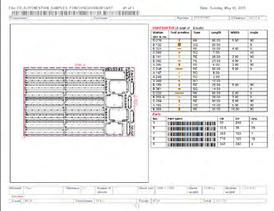
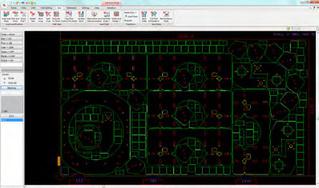
Metalix software manages the complete production cycle:

  • Import of all standard graphic design formats in 2D and 3D
  • Use of a diverse range of machining technology for thin sheet metal parts
  • NC generation for almost all machines on the
    market
img292

Interface CAO 3D

With the CAD Links module, transfer parts from other 3D CAD programs
to cncKad in one click.
You transfer parts from SolidWorks®, Solid Edge®, Autodesk® Inventor®,
Pro/ENGINEER® and Vertex® G4, through an online associative link,
avoiding the use of intermediate files like DXF.

img293

ADVANCED CNC CUTTING TECHNOLOGIES

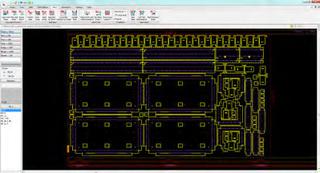
Kad manages the full use of your machine’s functions:

  • Automatic cutting with special corner treatment
  • Avoidance of stops during rapid toolpath
  • Toolpath optimization with automatic entry point
  • Cutting tables according to material
  • Spray options and marking before cutting
  • Cutting in chain and bridge cutting
  • Cutting and engraving TrueType format fonts
  • Common line cutting
  • Slice hole cutting
  • Cutting direction (clockwise/counterclockwise)
  • Cut with head in low position
img294
img295